Skip to content
AI3DGrab3D studio
MeshyTripoImage to 3DConvertersGuidesPricingFAQ
6.3 points freeSign inGet files
Get files
Meshy + Tripo Image to 3D · betaGLB · FBX · OBJ · STL · 3MF

Your Meshy + Tripo models,
finally on disk.

Paste a Meshy or Tripo link you already own — or drop a photo into Image to 3D. Preview the mesh, keep the original GLB, or convert to FBX, OBJ, STL and 3MF in your browser. No mesh stored on our disk.

Start free — 2 renders + 3 linksImage to 3DSee how it works
  • No card required
  • No mesh stored
  • Convert runs in your tab
Viewport · 3D preview Real GLB
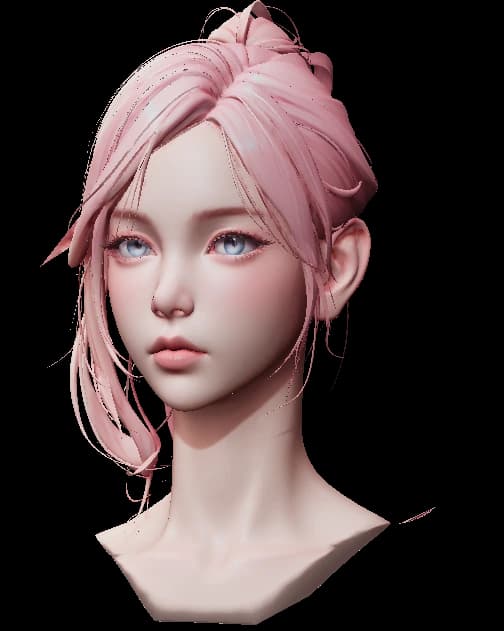
female-head.glb44.3k tris · 1 PBR map
converted in browser
Loading 3D model
GLBFBXOBJSTL3MFPaste · preview · download
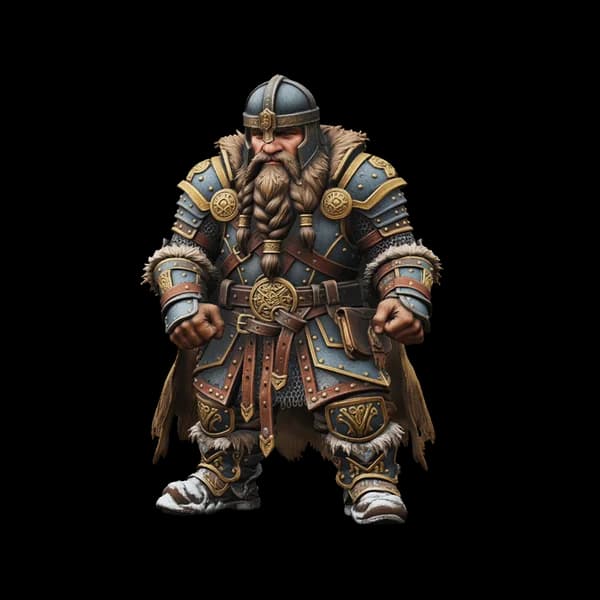
Dwarven warrior
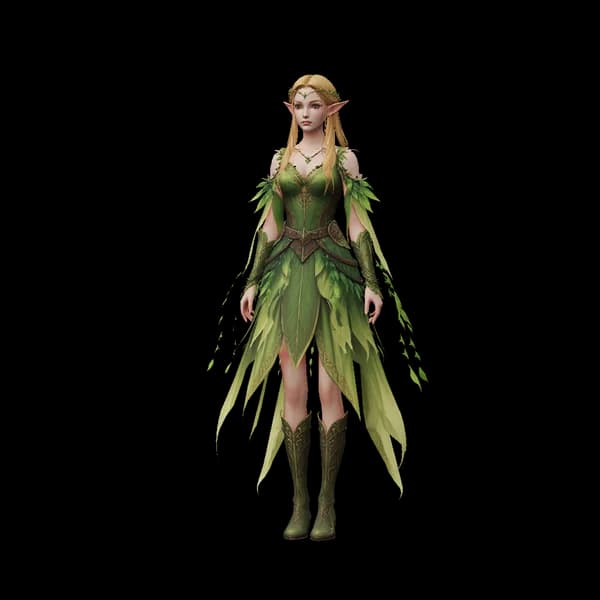
Elf princess
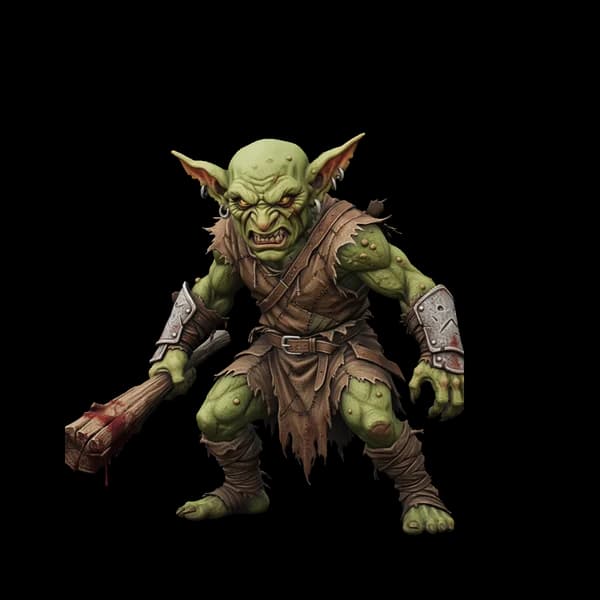
Goblin asset
Tractor
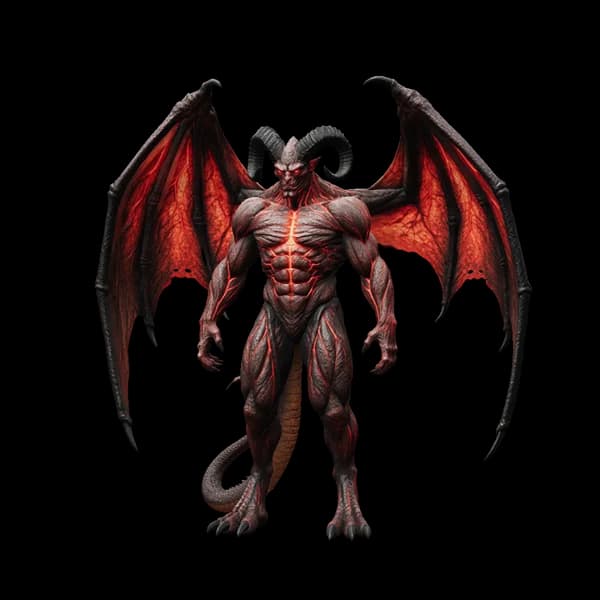
Winged demon
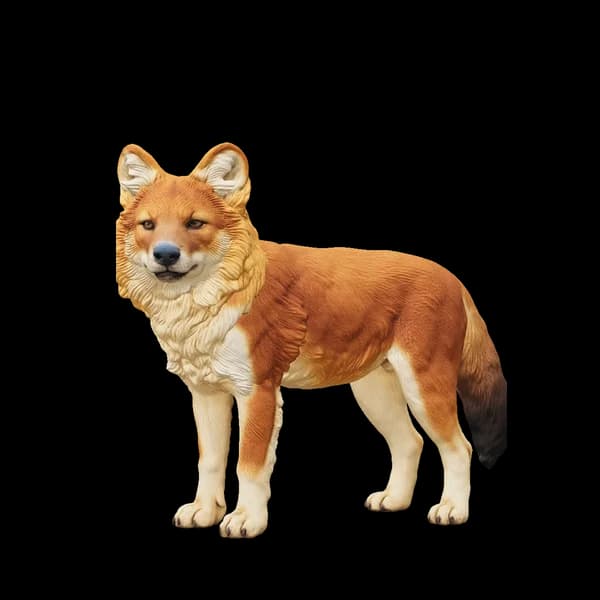
Wolf sculpture
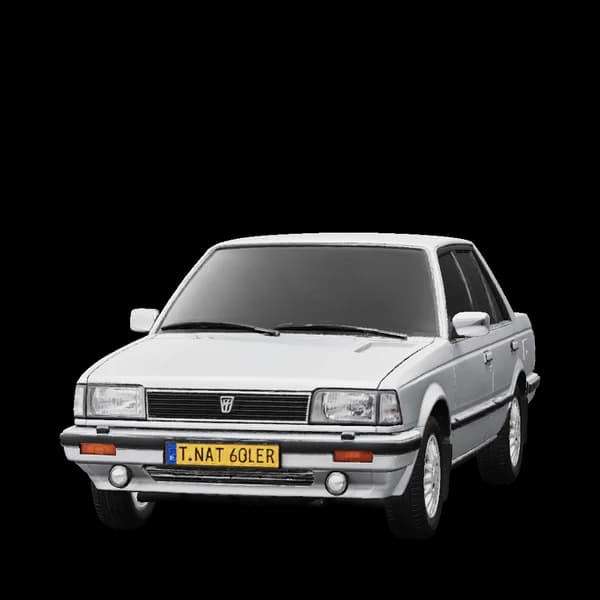
Sedan
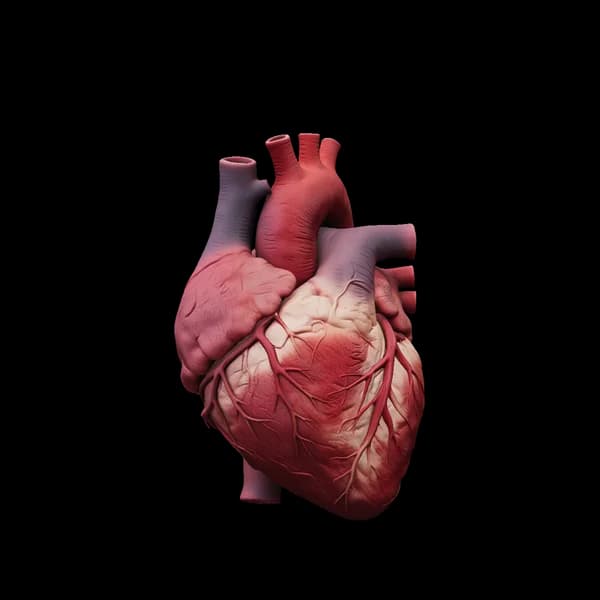
Anatomical heart
Dwarven warrior
Elf princess
Goblin asset
Tractor
Winged demon
Wolf sculpture
Sedan
Anatomical heart

Inside the studio

The four surfaces you actually use.

Paste, preview, generate, reopen. Same account, same points, same formats.

Studio · Meshy Grab
www.meshy.ai/workspace/…Analyze
meshy
  • model.glb
  • albedo.png
  • normal.png
  • rough.png

01 · Meshy Grab

Paste a workspace URL.

Decrypt .meshy to GLB in the tab, then zip the PBR maps.

Studio · Tripo Grab

female-head.glb · 44.3k tris

GLBFBXOBJSTL

02 · Tripo Grab

Orbit before you commit.

Studio and community links, locale prefixes included.

Studio · Image to 3D
Drop image
Generate
beta

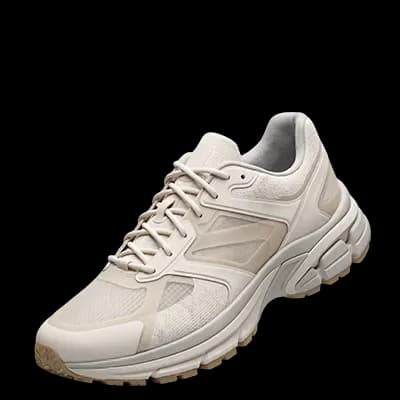
sneaker.glb · image to 3D

03 · Image to 3D

Drop one photo.

Optional prompt. Three points. Textured GLB back.
Studio · History
meshy
Open →
tripo
Open →
image
Open →

04 · History

Every job, one shelf.

Grabbed links and generated meshes, with covers.

Two grabbers, one generator

Pick the source.

Each grabber has its own parser, so a Meshy Discover post and a Tripo Studio URL never share a code path. Image to 3D uploads instead of pasting. Convert, zip and history are shared.

Sci-fi helmet 3D model with PBR texture maps

meshy.ai

Meshy Grab

Workspace tasks, Discover posts and public model pages. Decrypt .meshy to GLB in the tab, or zip the PBR maps.

  • Workspace + Discover links
  • .meshy decrypt in the browser
  • Original GLB kept
Elf princess 3D character model

studio.tripo3d.ai

Tripo Grab

Studio generate pages and community models, including locale prefixes. Preview the mesh, then export what your pipeline opens.

  • Studio + community URLs
  • Locale prefixes like /fr/
  • Convert to 5 formats
Sneaker dissolving into a blue 3D wireframe

upload, not a link

Image to 3D

Drop up to 10 photos you own. Three points each, a textured GLB back, then convert in the tab. Beta.

  • PNG · JPG · WebP
  • Optional prompt
  • 3 points per render

How it works

Three steps, no plugin.

Everything runs on the web. A pasted URL or an uploaded image leaves the tab; the mesh comes back through RAM and is gone.

  1. 01

    Paste a link, or drop a photo

    Meshy workspace, Discover post, Tripo Studio or community URL — or upload a PNG, JPG or WebP you own. No password, no API key.

  2. 02

    Preview before download

    The mesh opens in a real viewport first. Check the geometry, the textures and the file list before you commit.

  3. 03

    Take the format you need

    Keep the original GLB, convert to FBX, OBJ, STL or 3MF in the tab, or pack every map into one zip.

Formats

Export for the tool you already use.

GLB to GLB never round-trips through a converter, so PBR maps survive. STL drops UVs by design.

  • One zip of every selected asset, or files one by one.
  • Client-side WASM convert — no upload, no queue.
  • Viewport first, so you never download the wrong file.
FormatBest forNote
GLBBlender · web · enginesOriginal kept untouched when the source is GLB.
FBXUnity · Unreal · MayaClient convert with the assimp build Tripo ships.
OBJDCC interchangeShips with MTL when the source carries materials.
STLPrint · sliceSurface only. UVs drop by design.
3MFModern slicersColour-aware when the mesh has vertex colour.
PNGShadersAlbedo, normal, roughness, metal, AO when present.

Pricing

Start free. Pay only for volume.

Free is 6.3 points once: 2 Image to 3D renders and 3 link grabs. Starter and Pro add a monthly points allowance — the same tools, same formats, batch runs and history.

Compare plans

Free

Try two Image to 3D renders and three link grabs, once.

$0one-time

6.3 points / one-time

Choose plan

Included

  • 6.3 points, once per account
  • 2 renders + 3 link grabs
  • 3 points per render · 0.1 per link
  • No card required
Most popular

Starter

For creators shipping a few models a week.

$8/ 30 days

≈ $8 from wallet

150 points / 30 days

Choose plan

Included

  • 150 points, reset every 30 days
  • ≈ 50 renders or 1,500 link grabs
  • Every tool, every format
  • One charge per term
Best value

Pro

High-volume exports for a busy pipeline.

$16/ 30 days

≈ $16 from wallet

330 points / 30 days

Choose plan

Included

  • 330 points, reset every 30 days
  • ≈ 110 renders or 3,300 link grabs
  • Every tool, every format
  • Highest allowance we sell

Guides

Start from the file you need.

All guides

Meshy → GLB

Original first, .meshy decrypt in the tab, textures zipped.

Read guide →

Tripo → Unity

Convert to FBX, drag into Assets, fix scale and materials.

Read guide →

GLB vs FBX

Pick by destination, not by file size. A short decision table.

Read guide →

FAQ

Questions, answered.

Does AI3DGrab generate 3D models?

Meshy Grab and Tripo Grab do not — paste a link you already have access to, then download or convert. Image to 3D (beta) does: upload up to 10 photos, three points each, a textured GLB back. Generation of Meshy or Tripo assets still stays on those sites.

Do files stay on your servers?

No. We keep job metadata (URL, title, size, generate status). Bytes stream through RAM and vanish. Convert runs in your browser with WASM.

Why sign in with Google?

A session attaches quota, history, and paid packs to an account. We never ask for a Meshy or Tripo password.

What can I paste or upload?

Meshy workspace and Discover posts, Tripo Studio generate pages, community model URLs, a direct file link (.glb, .fbx, .obj, .zip), or — in Image to 3D — a PNG, JPG or WebP you own.

Which formats come out?

GLB, FBX, OBJ, STL, 3MF, plus PNG maps when the source includes them. The original GLB is kept when the source is already GLB.

Are you affiliated with Meshy or Tripo?

No. Independent toolkit. Trademarks belong to their owners. You must have the legal right to download the asset or to use the image you upload.

Ready for the first model?

2 free renders + 3 link grabs. No card, no plugin, no mesh stored.

Start free
AI3DGrab3D studio

Paste a Meshy or Tripo link, or drop a photo into Image to 3D. Preview the mesh, then take the file in the format your pipeline already opens.

GLBFBXOBJSTL3MF

Product

  • Meshy downloader
  • Tripo downloader
  • Image to 3D
  • Pricing
  • Chrome extension

Resources

  • Guides
  • Changelog
  • Converters
  • GLB → FBX
  • GLB → STL
  • Meshy vs Tripo
  • Tripo → Unity
  • FAQ

Legal

  • Privacy
  • Terms
  • Refunds
  • DMCA
[email protected]

© 2026 ai3dgrab.com. Independent of Meshy AI and Tripo3D.

No mesh stored on our disk